
Turn Facebook Messenger Into Your
Own Lead Management System
Organize Conversations, Track Prospects, And Manage Sales Opportunities
Transform Messenger Chats Into Structured Leads,
Follow-Ups, And Revenue Opportunities
You're Losing Leads Inside Your Messenger Inbox
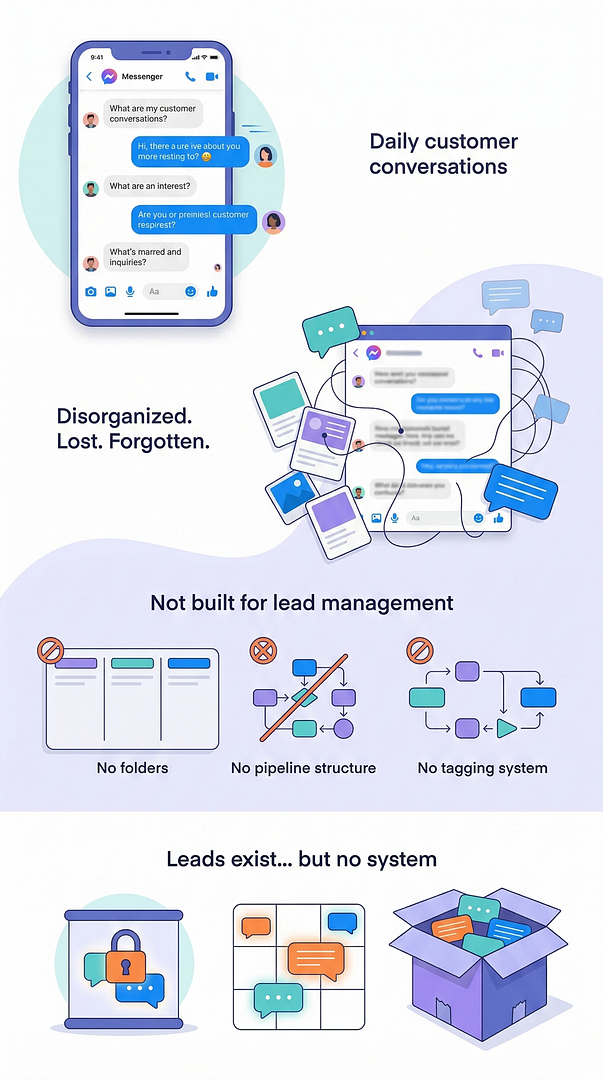
Every day prospects contact businesses through Facebook Messenger.
They ask questions.
They request information.
They show interest in products and services.
But inside a normal Messenger inbox everything quickly becomes disorganized.
Messenger was designed for conversation.
It was never designed to manage leads.
So when businesses try to use Messenger as a sales tool, they quickly run into problems.
They cannot organize contacts.
They cannot track where a prospect is in the sales process.
They cannot follow structured pipelines.
In other words, valuable leads exist inside Messenger, but there is no system to manage them.
That’s exactly what Facebook CRM changes.
Introducing: Facebook CRM
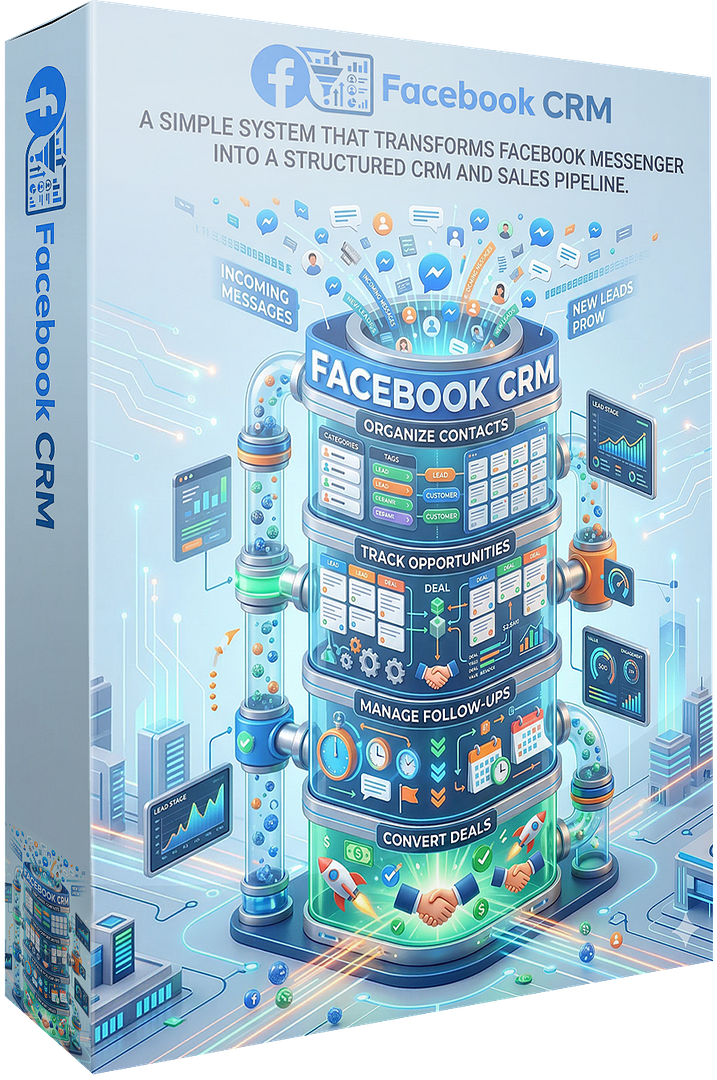
A simple system that transforms Facebook Messenger into a structured CRM and sales pipeline.
Instead of letting conversations disappear inside your inbox…
You can organize every contact, track every opportunity, and manage follow-ups directly from Messenger.
Facebook CRM adds powerful lead-management features directly on top of your Messenger conversations.
This allows you to turn casual chats into structured sales opportunities.
With Facebook CRM You Can
Messenger becomes more than just a messaging app.
It becomes a lead management system.
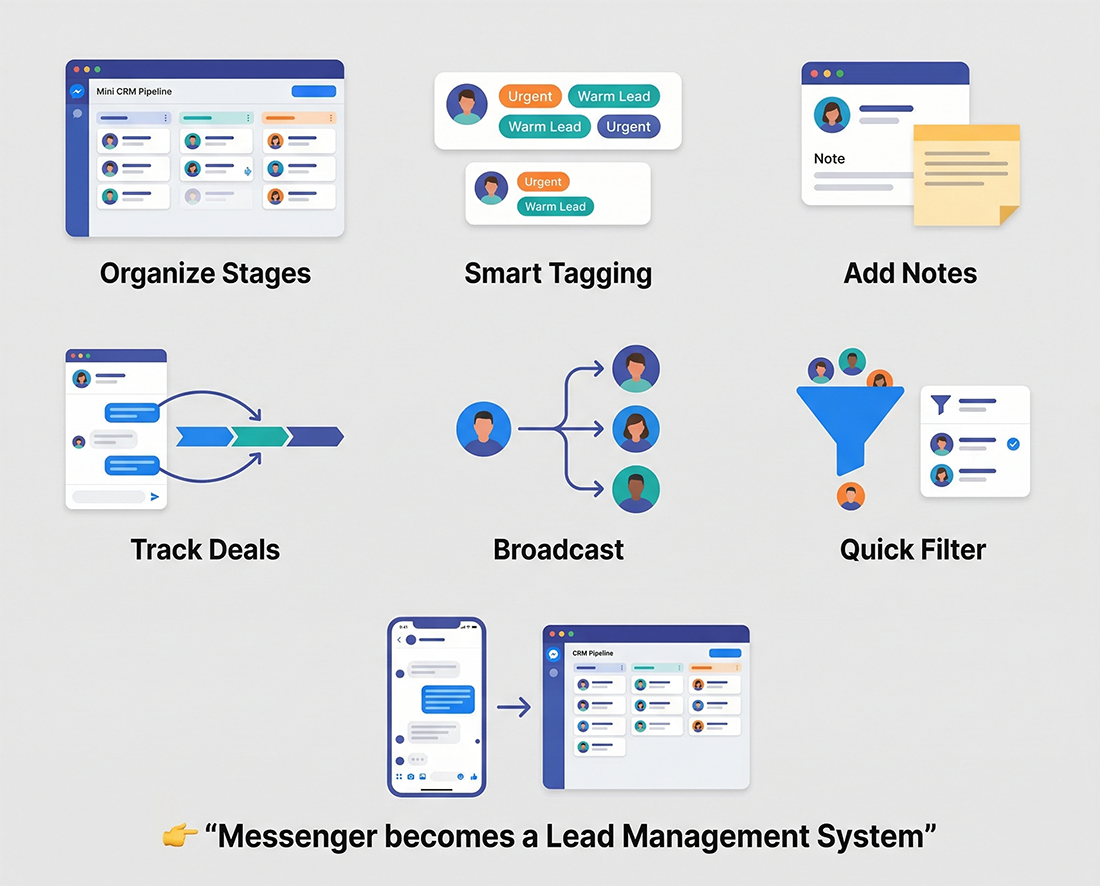
Everything You Can Do With Facebook CRM
Send Unique Messages With AI That Don’t Get You Flagged
Stop Sending The Same Message To Everyone
Most tools send the exact same message to every contact. That is exactly what triggers spam detection.
Facebook CRM uses AI to automatically generate unique message variations for each recipient.
Instead of blasting one identical message… Each contact receives a different version.
This removes repetitive patterns and makes your outreach look natural.
Your messages don’t look automated. They look real.

Built-In Safe Messaging System
Avoid Detection With Smart Sending Behavior
Sending messages at fixed intervals is one of the easiest ways to get flagged. Facebook CRM prevents this with randomized sending.
You define a range:
Every 2 to 3 minutes
Every 3 to 5 minutes
The system randomizes the exact timing for every message. At the same time, you can rotate multiple links inside your messages.
Your messages don’t look automated.
They look real.

Turn Messenger Contacts Into Organized Leads
Messenger normally shows conversations as a simple list.
There is no way to track where a prospect stands in your sales process.
Facebook CRM allows you to organize every contact using tags and labels.
You can create categories such as:
Each conversation becomes part of a structured pipeline instead of a random chat thread.
This makes it easy to track progress and manage sales opportunities.

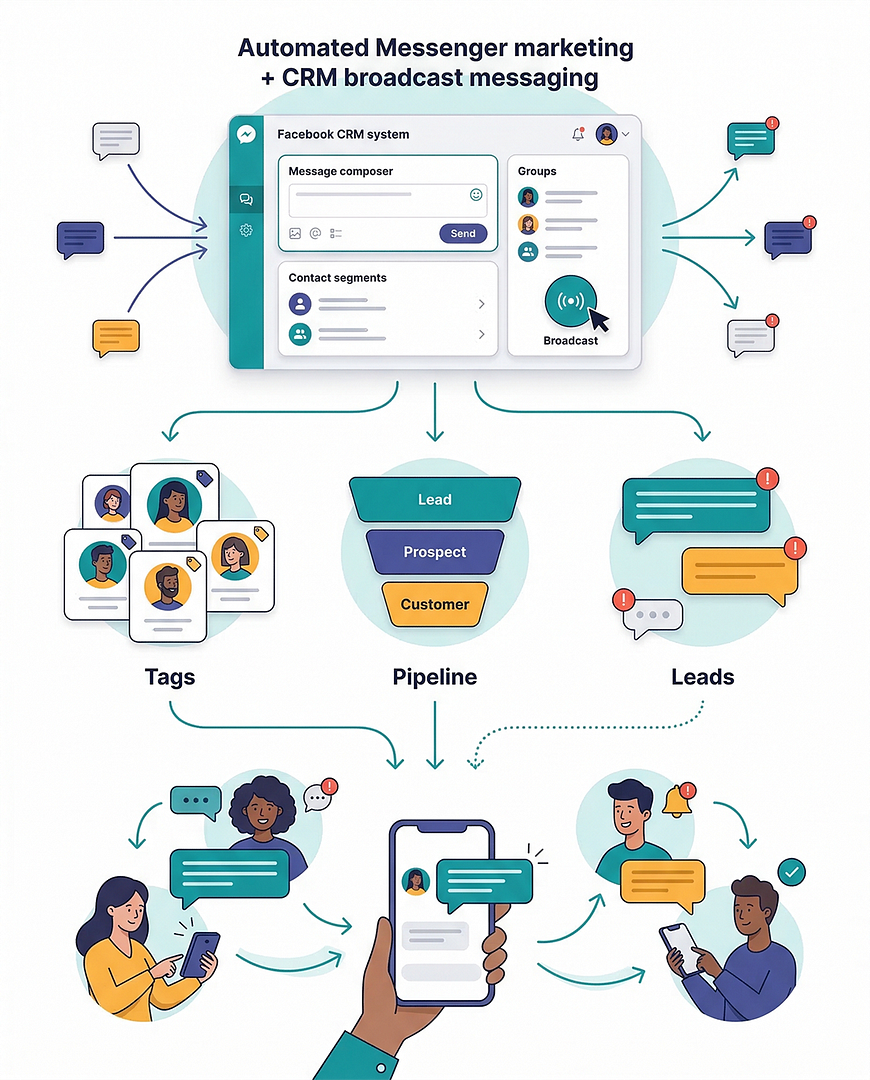
Send Broadcast Messages To Your Contacts
Following up manually with Messenger contacts can take hours.
Facebook CRM allows you to send broadcast messages to specific groups of contacts.
You can send messages to:
This allows you to re-engage leads, deliver updates, or move prospects through your sales pipeline without messaging every contact individually.
Your Messenger conversations become structured communication campaigns.
Quickly Find Important Conversations
Inside a busy inbox, valuable leads are easy to miss.
Facebook CRM includes filtering tools that allow you to quickly find important messages.
You can filter conversations such as:
This allows you to quickly locate conversations that require attention.
Instead of searching through hundreds of chats, you can focus on the leads most likely to convert.

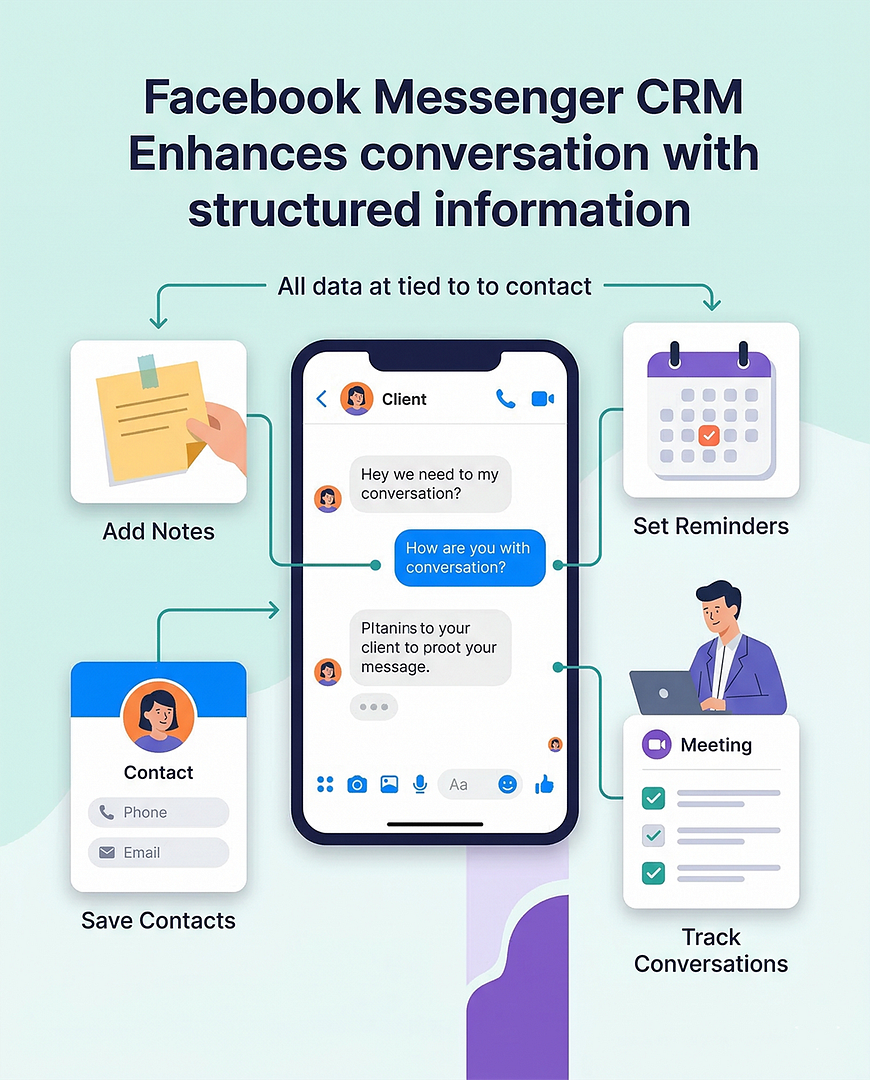
Add Notes, Contact Information, And Reminders
Sales conversations often require remembering important details.
Facebook CRM allows you to attach additional information directly to Messenger contacts.
You Can:
This transforms Messenger conversations into organized client records.
Every important detail stays connected to the contact.
Manage Your Messenger Sales Pipeline
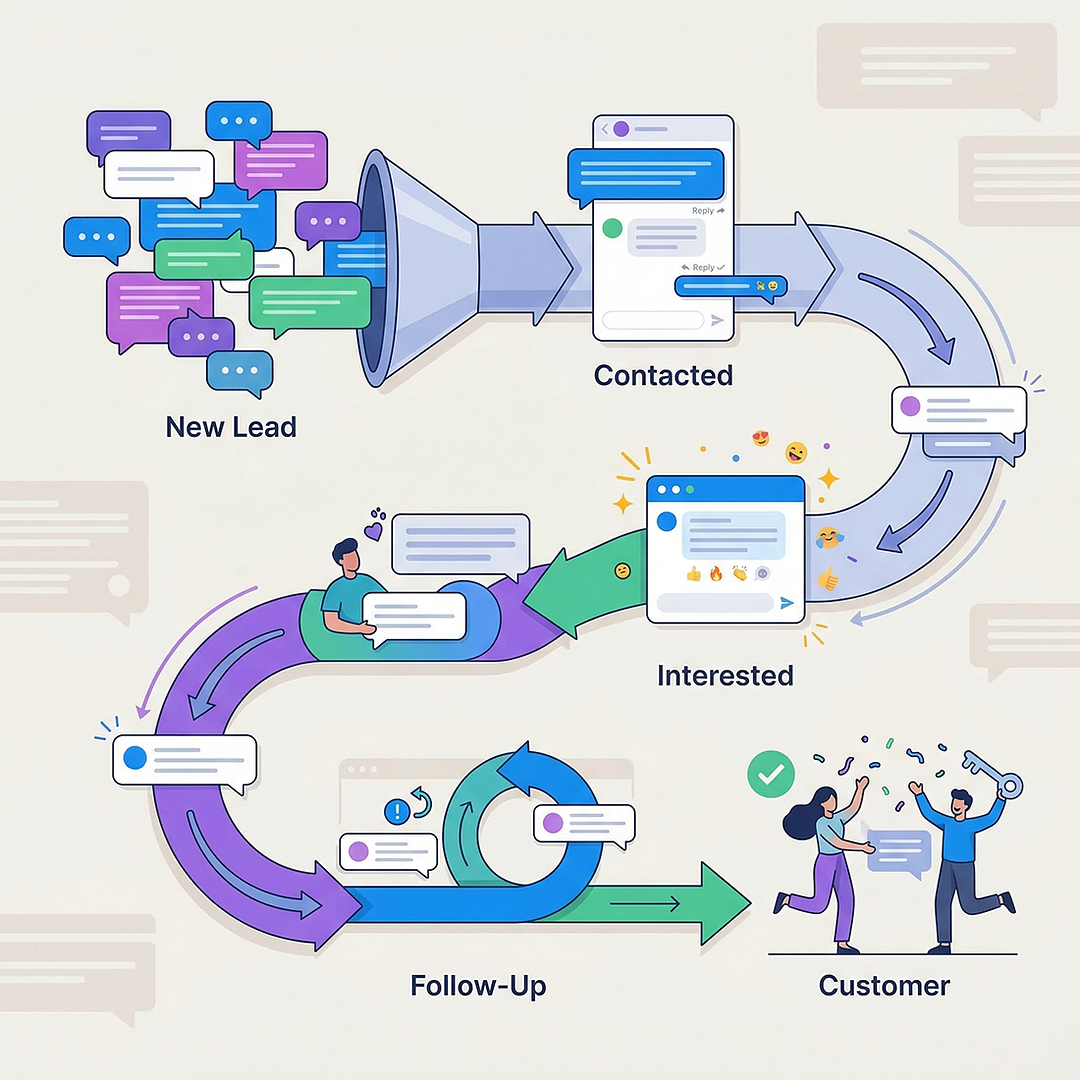
Facebook CRM allows you to manage leads inside Messenger the same way a traditional CRM manages prospects.
Each contact can move through stages such as:
Instead of guessing where a prospect stands, you can clearly track their progress.
Messenger becomes a structured pipeline instead of a chaotic inbox.
What Facebook CRM Helps You Do
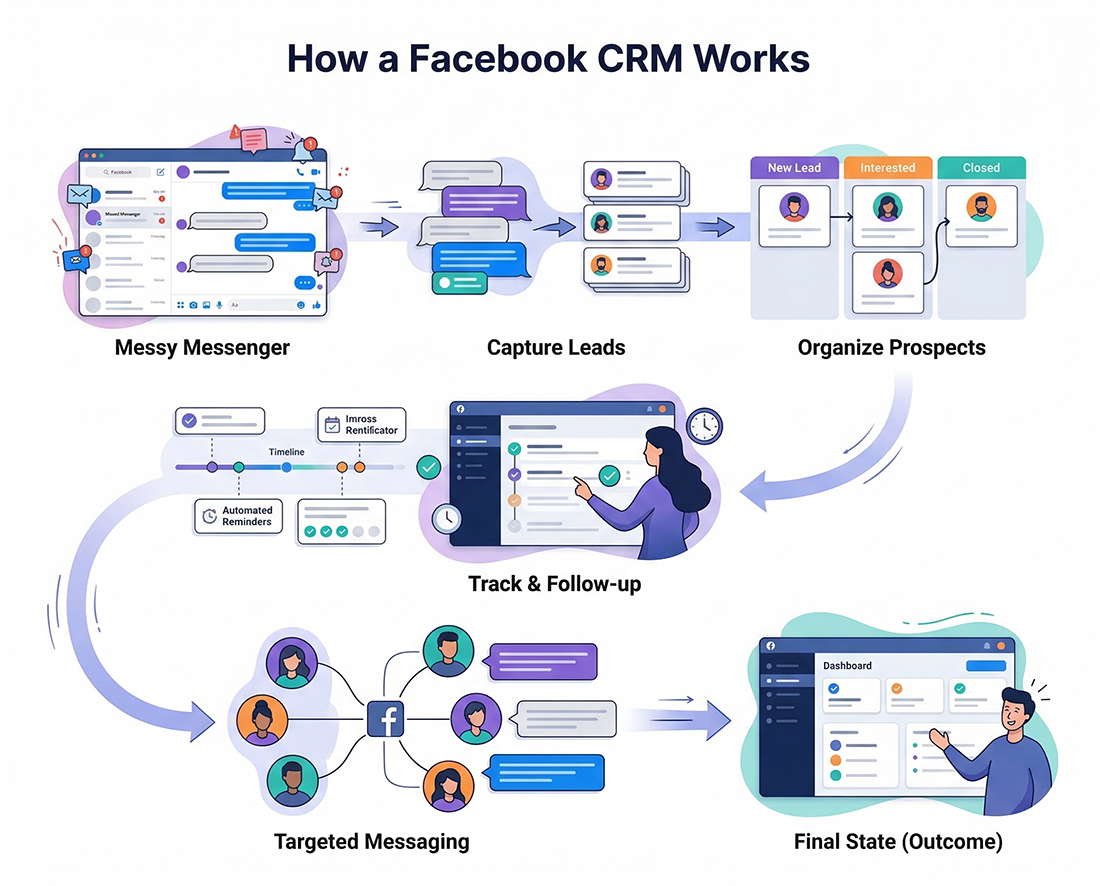
Using Facebook CRM allows you to:
Instead of losing opportunities inside Messenger threads, you gain control over your conversations and your prospects.
Simple Workflow
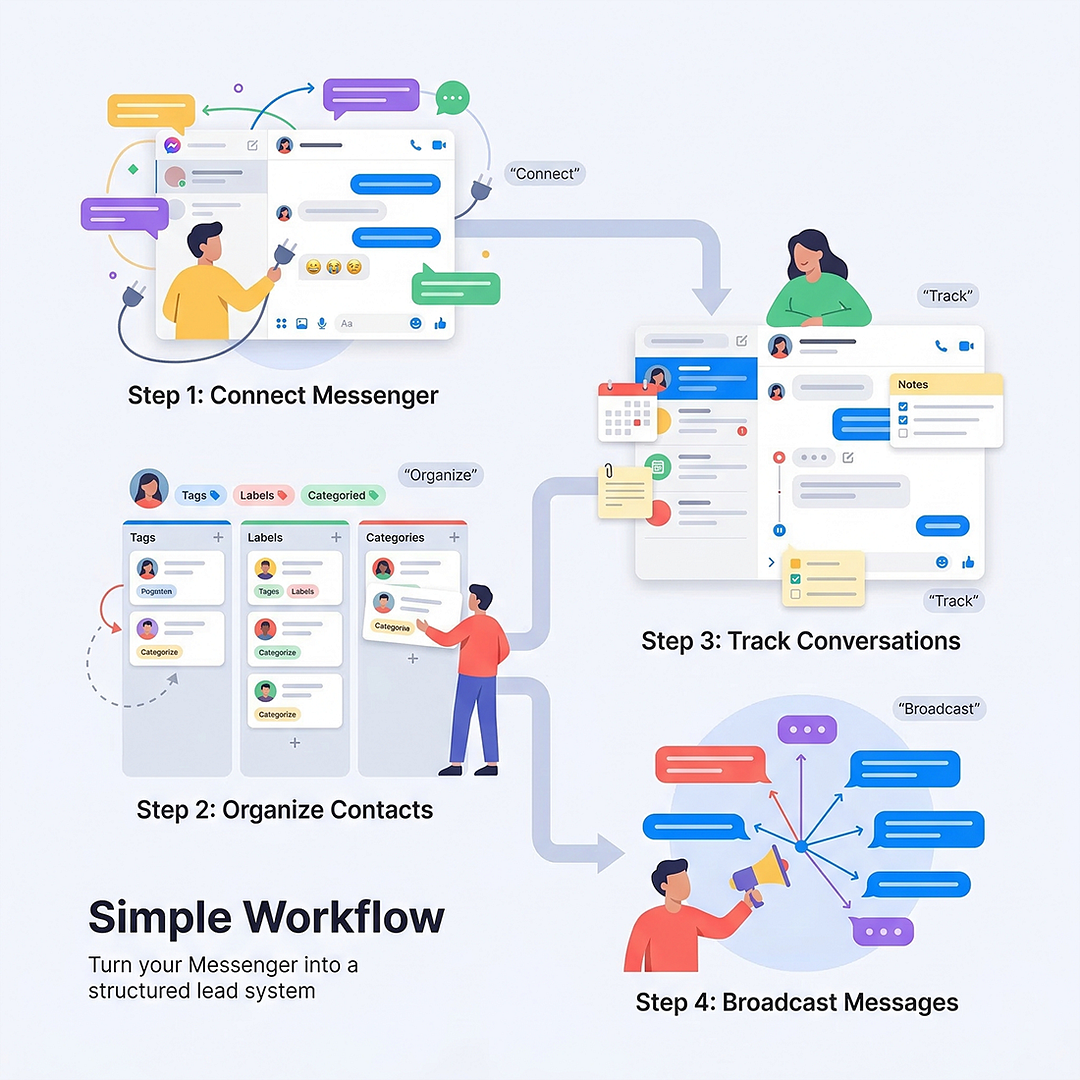
Using Facebook CRM is straightforward.
STEP 1 — Connect Your Messenger Account
Install the system and activate the CRM features.
STEP 2 — Organize Your Contacts
Tag leads and place them into your pipeline stages.
STEP 3 — Track Conversations
Add notes, reminders, and follow-ups for each contact.
STEP 4 — Send Broadcast Messages
Communicate with groups of leads and move them through your pipeline.
In just a few minutes your Messenger inbox becomes a structured lead management system.
Who Facebook CRM Is Built For
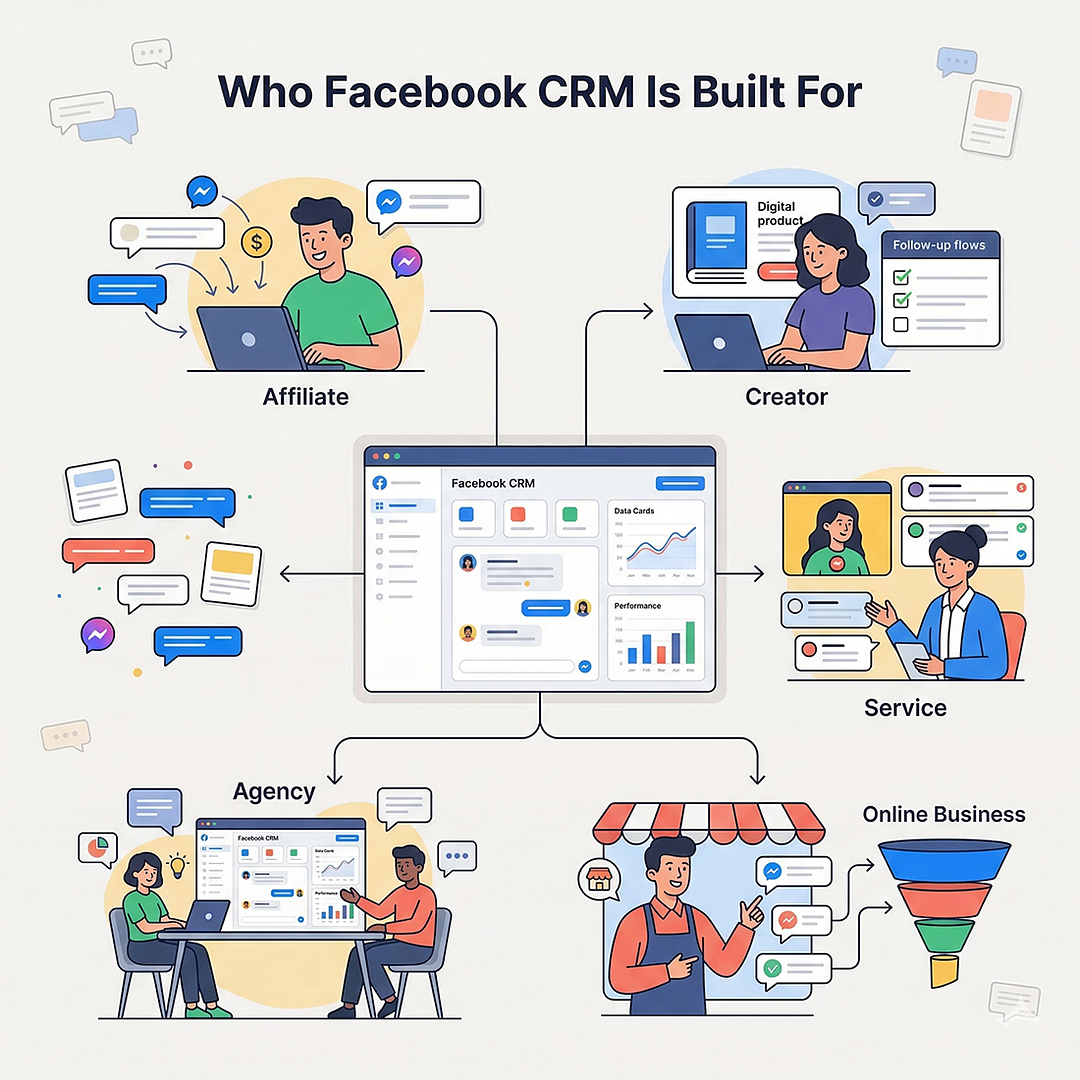
If your prospects contact you through Facebook Messenger, Facebook CRM helps you organize and convert those conversations.
Turn Messenger Conversations Into Sales Opportunities
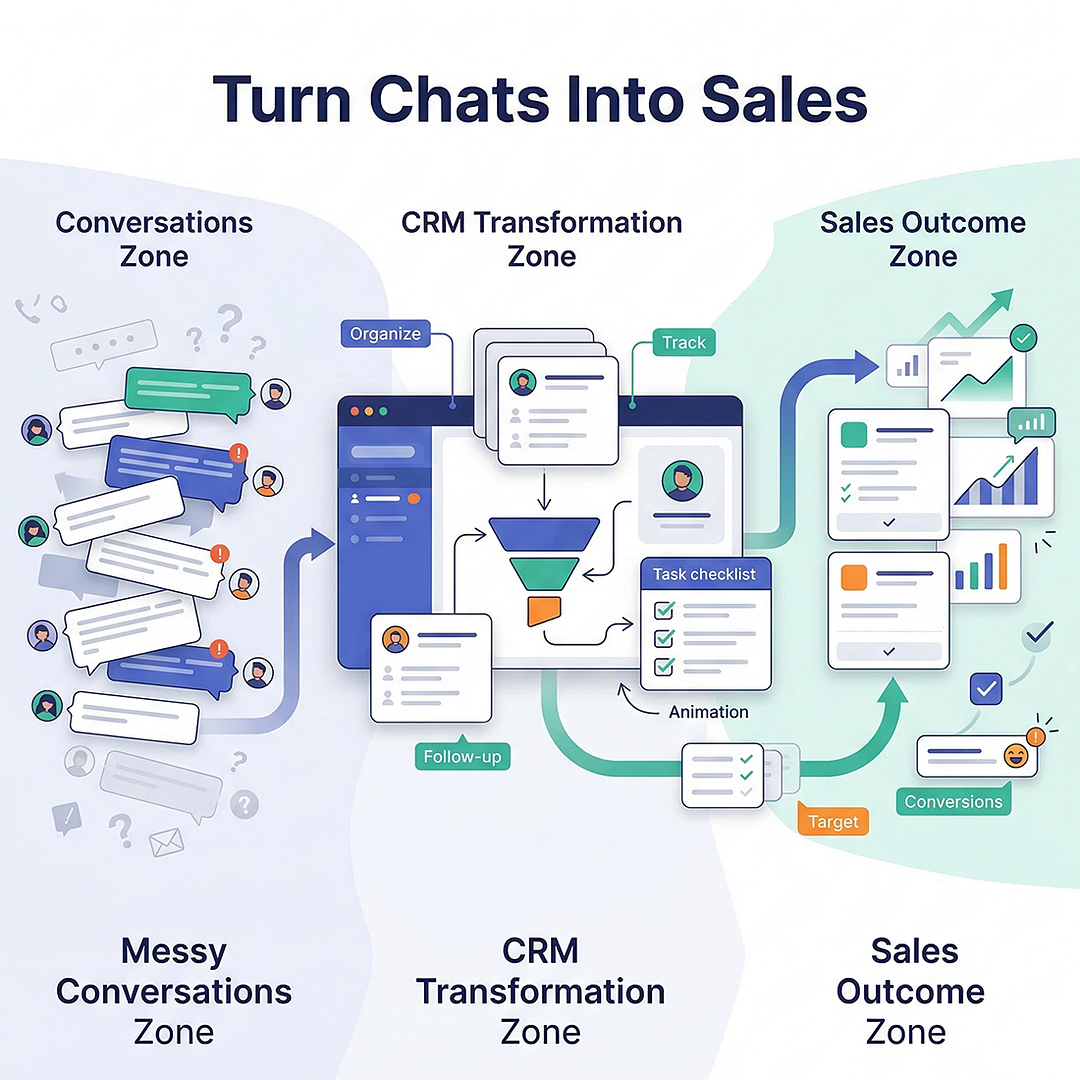
Messenger is one of the most active communication channels online.
But without structure, valuable leads get lost inside conversations.
Facebook CRM gives you the ability to:
All directly inside your Messenger environment.
Your conversations stay the same.
But the way you manage leads becomes structured.
Get Instant Access To Facebook CRM
Facebook CRM Personal
Facebook CRM Pro
Facebook CRM Unlimited
Actual Retail Price Including Bonuses- Pricele$$


100% FREE When You Claim
Facebook CRM Unlimited

Retail Value: $8.90

Retail Value: $9.90

Retail Value: $10.90

Retail Value: $10.90
Retail Value: Pricele$$
Actual Retail Price Including Bonuses- Pricele$$