Facebook CRM Unlimitted
(Front End Version - Option C)
Please Follow the Steps BELOW
Create Your Account
With the purchase email address
Login
With the username and password you created
Note: If you already have an account in Browsx, you can skip this step and simply submit a support ticket to request your license.
After you contact support and receive your license, please watch this video to learn how to log in to your extension.
We Need Your Info
We need to manually create your account, so please provide the following information.
STEP 1:
Please open a new ticket HERE
STEP 2:
Copy and Paste Email Format below and add your info we requested
SUBJECT LINE:
Facebook CRM Unlimited
MESSAGE:
Hi Support,
I Would Like to Activate My Facebook CRM Unlimited License + My Facebook Audience Cleaner and Facebook Lead Builder Bonuses. Below Are My Details:
1 - Purchase Email Address
2 - Order Proof
[Attach receipt/screenshot or provide Transaction ID]
I confirm I have registered my Browsx account,
Thanks For your Help!
STEP 3:
Did You Miss This?
Our Best Selling Product

Download Your Bonuses
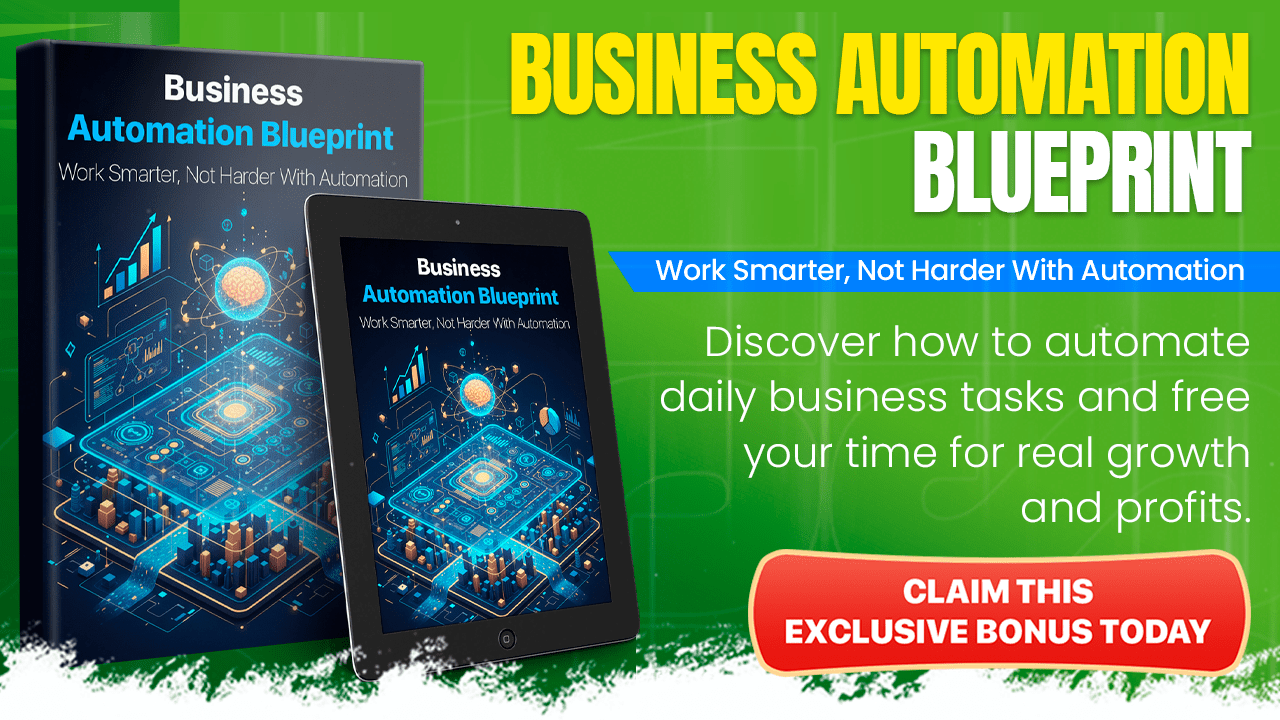
Business Automation Blueprint
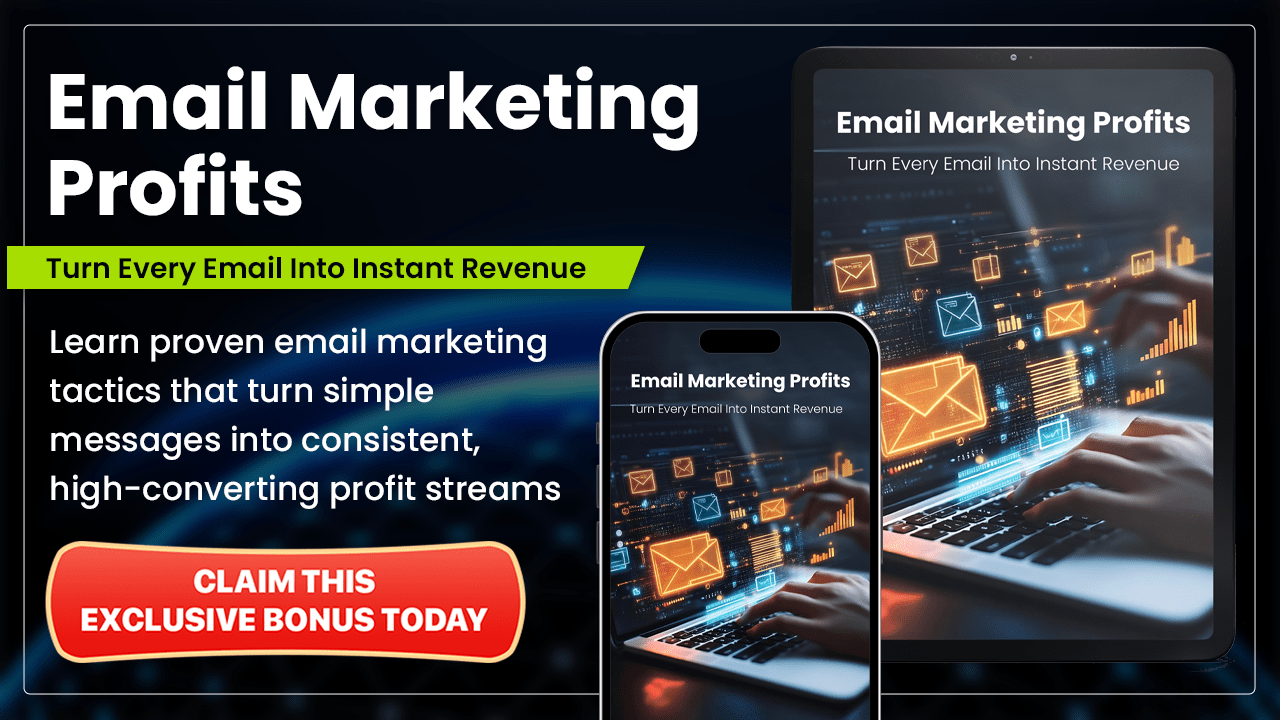
Email Marketing Profits
Email For Cash System

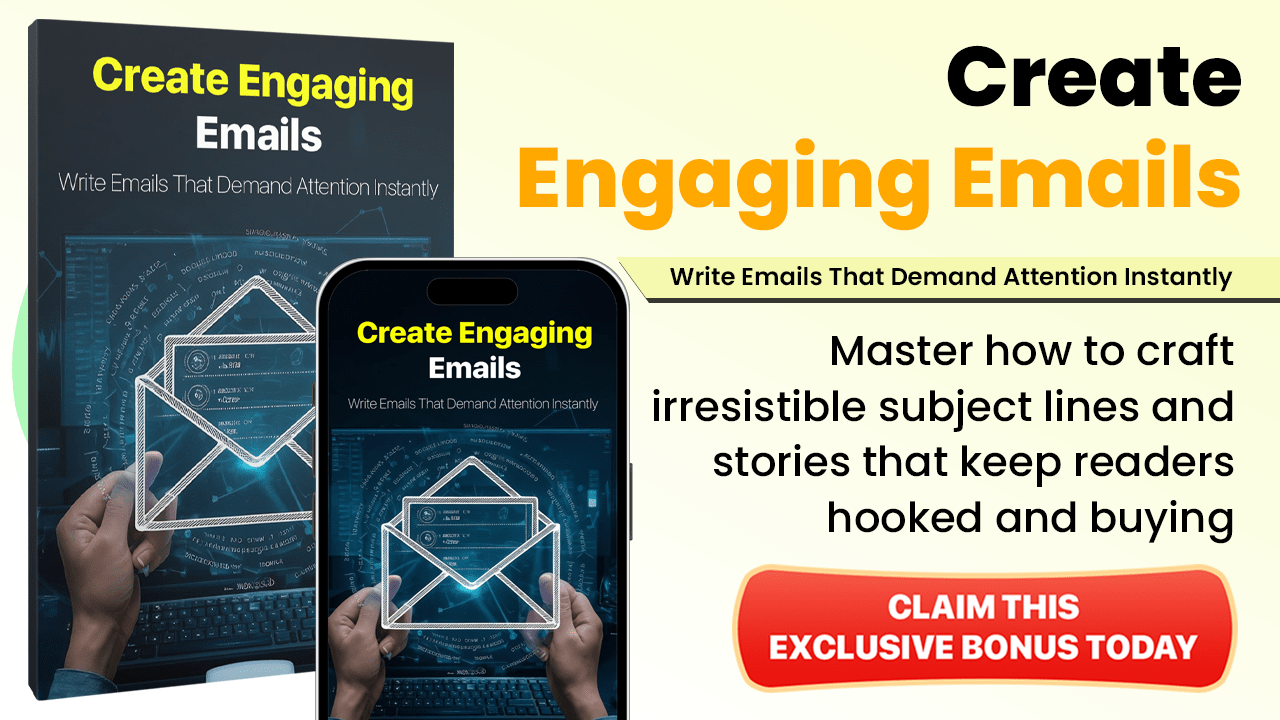
Create Engaging Emails